Text, signature or logo
Type your message, draw/upload handwriting, or upload a logo.
3D Engraving · DYOJ TUTORIAL
THE DETAILS THAT MEAN EVERYTHING
A name. A signature. A date you never want to forget.
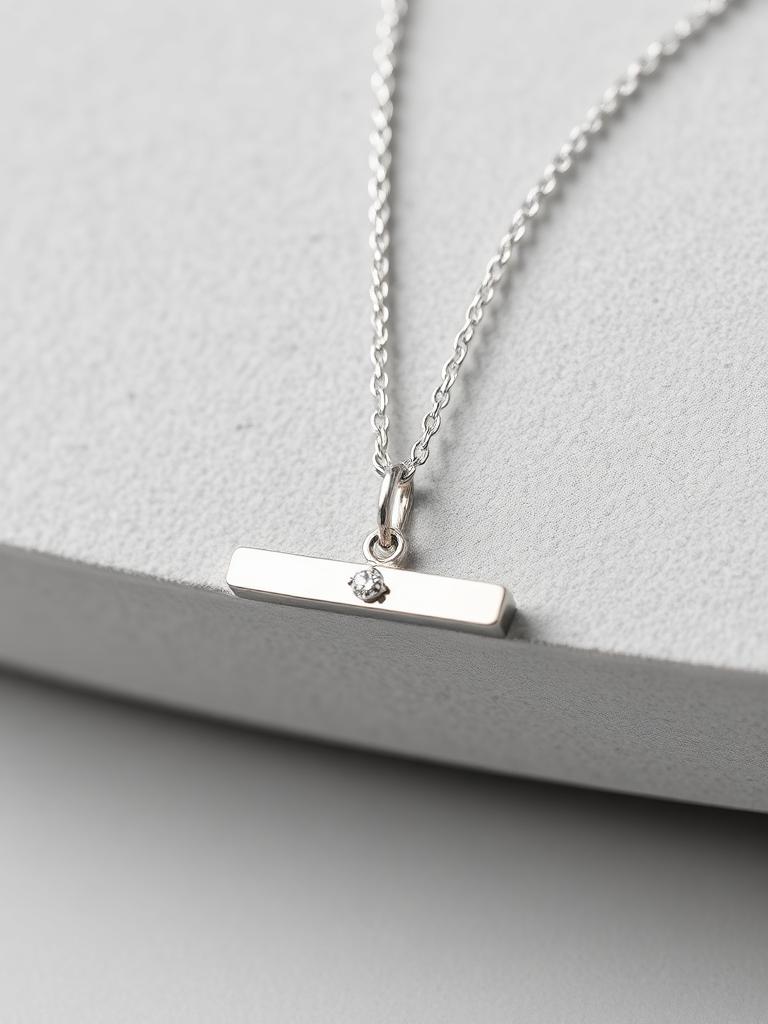
Made for your imagination
DYOJ 3D Engraving lets you place names, handwritten signatures or uploaded logos on your saved jewellery. Adjust them on the actual 3D surface, then save the design you love.
Type your message, draw/upload handwriting, or upload a logo.
Choose a font or load a supported custom font locally in your browser.
Raised lettering becomes visible GLB geometry. Recessed engraving is saved as a factory cutter reference, not already-carved silver.
Step by step · Your own pace
Choose 3D Engraving from the toolbox and select the model you want to personalize.
Your action: Select your saved model and open the 3D engraving viewer.
DYOJ tip: Flat or gently curved areas often provide an easier starting point for positioning.
Rotate and zoom the jewellery, then select the surface point where you want to add a design.
Your action: Tap the model to choose a placement point.
DYOJ tip: You can rotate the view and inspect several surfaces before deciding.
Type a message, draw or upload a handwritten signature, or use a logo image.
Your action: Choose one of the three tabs and provide your content.
DYOJ tip: This is ideal for initials, birthdays, wedding dates, handwriting and personal symbols.
For text, choose from the available fonts or upload a supported TTF, OTF, WOFF or WOFF2 font.
Your action: Use the Font menu or the custom-font upload.
DYOJ tip: Your uploaded font file stays in your browser; the generated letter outlines become geometry in the saved model.
Adjust size, 3D depth and rotation. Select raised/embossed geometry or recessed/engraved intent.
Your action: Choose the style and select Add to My 3D Model.
DYOJ tip: Recessed intent is a cutter reference for the workshop. It does not pretend the saved jewellery is already physically carved.
View your added elements and adjust their size, position or rotation. Add several pieces of text or drawings when desired.
Your action: Use Adjust controls, Undo last, or select and remove any addition.
DYOJ tip: Check readability from realistic angles before saving.
Store your new creative GLB and return to any saved version when you want another style.
Your action: Select Save This Version, or View Saved 3D afterward.
DYOJ tip: No AI image generation or Doctor approval is necessary to save an engraving version.
Optionally submit your saved personalised model. The team handles any physical recessed cutting and production feasibility checks.
Your action: Choose Send for Manufacturing Review when ready.
DYOJ tip: Your saved version stays available for further creative edits.
See the creative idea
Create a pendant for someone special: put a name on the front, a handwritten signature on the back, and save the personal version.
This illustration helps explain the editing principle. Your real result is created and previewed in the interactive DYOJ 3D tool.
A clean jewellery surface
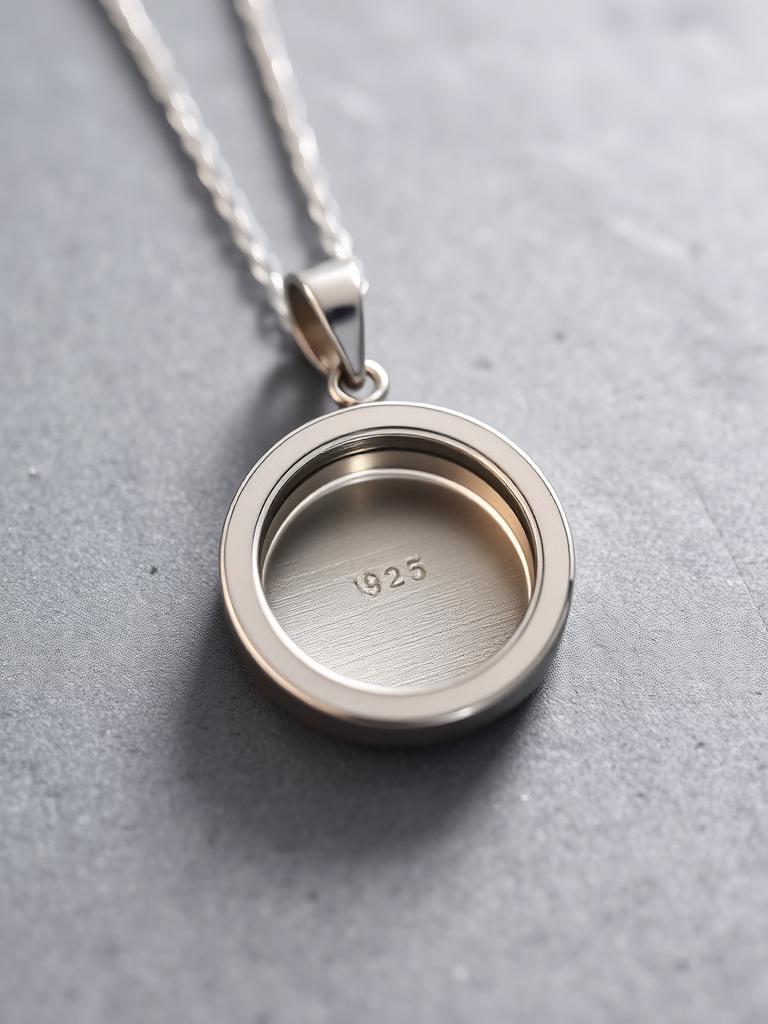
One creative example
Create a pendant for someone special: put a name on the front, a handwritten signature on the back, and save the personal version.
Raised lettering is an actual creative 3D addition. Recessed engraving is a manufacturing instruction for the selected model, not a claim that the metal has already been cut.
Create first. Manufacture with care.
Saving your creative GLB doesn't require 3D Doctor, structural certification or a manufacturing approval screen. Sending it to the workshop is optional, and our specialists review production feasibility separately.
Good to know
Yes. Draw a signature inside DYOJ or upload one as a reference.
You can upload logo artwork and place it on a selected 3D surface. Fine production details remain subject to workshop review.
Yes. Supported local font files include TTF, OTF, WOFF and WOFF2. The font is processed in your browser.
Yes. The editor supports multiple added elements and allows you to select and adjust them individually.
No. Raised/embossed lettering is generated as geometry. Recessed style records a cutter reference and intent for the workshop to carry out the physical subtraction.
No generative AI or 3D Doctor gate is required for creative Engraving saving. A workshop review is optional and separate.
Discover the complete DYOJ toolbox
DYOJ AI · Create something no one else has
Start with your idea. Explore it in 3D. Refine every detail on your own terms.
Explore all five 3D Tools